StampznewBright

  • Subscribe to our RSS feed.
  • Twitter
  • StumbleUpon
  • Reddit
  • Facebook
  • Digg

Saturday, 25 May 2013

A rabble of free Butterfly Silhouette shapes...

Posted on 02:00 by Unknown
Did you know a group of butterflies is called a rabble? Go figure!

So, here are those butterflies that I mentioned in the last post. 
Since the stamp I used was discontinued, I thought you might be able to use a 
similar set of butterfly silhouettes if you wanted to try out 'Traced Doodling'...

Free Butterfly Silhouettes (in 6 styles & three shades of grey to black) - Preview


You can download the whole set here as a zip file

(or save them individually below)


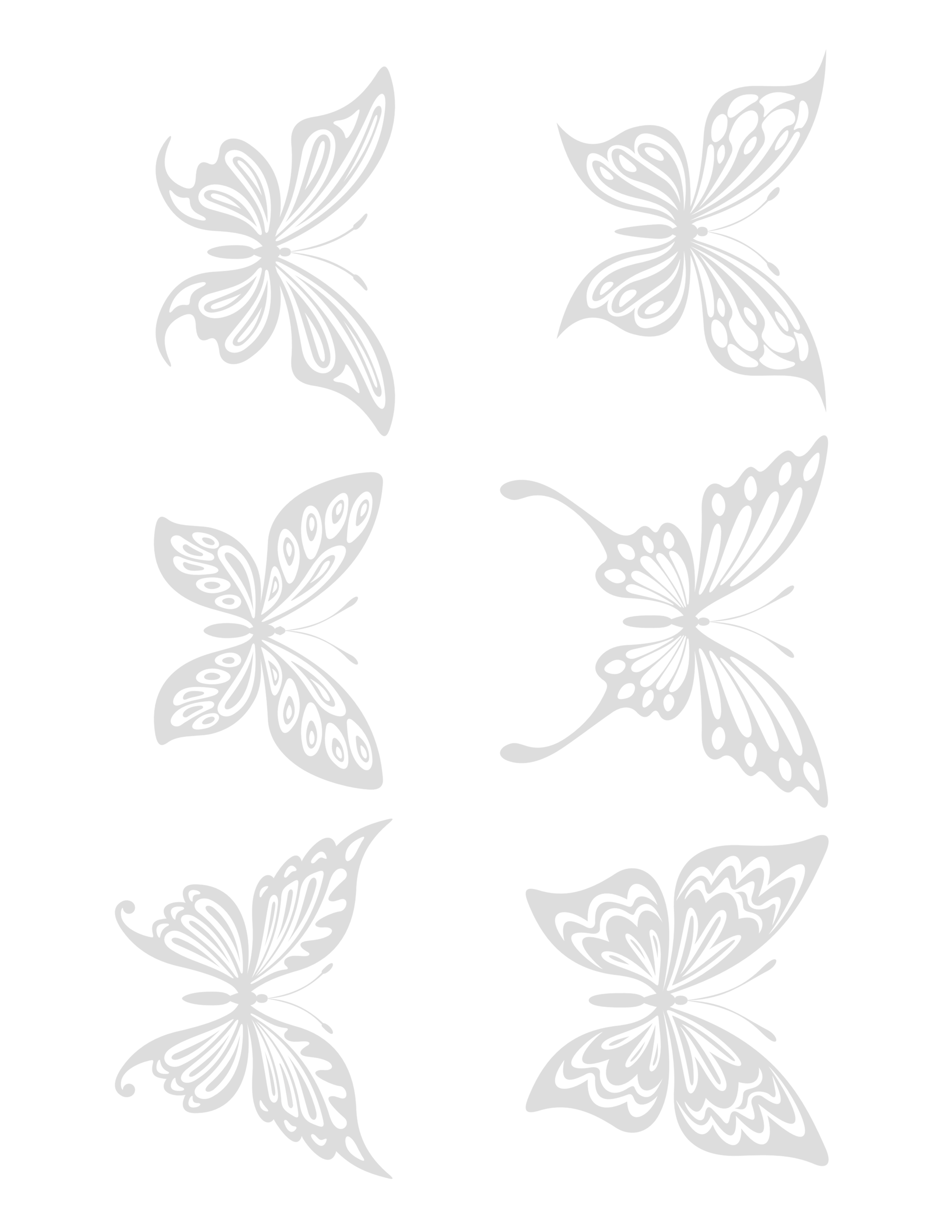
A note on printing: I much prefer the 'pale grey' butterflies for Traced Doodling. While they might appear too pale on the computer screen, they seem to print out the right shade so that you can see them, but once you trace & colour the printer ink will vanish.

Pale grey disappears when you doodle & colour

Of course every printer is different, so I included a medium grey in case the pale is too light for your particular printer. Please feel free to adjust the shading in your photo software, if you like. And there's a black version as well in case you want that for something or other.



.
How to save one of these files
(directly from my blog): 


PC users in Firefox/Chrome: right click on the image & choose "save link as"

PC users
in Explorer
:
right click on the image & choose "save target as"

.
Mac users: Visit the flickr set here, click the thumbnail for the paper that you want (to open 
its flickr page) Then select all sizes & click on "download the original size of this photo"
.


LARGE butterflies (roughly 3" wide by 2" high):

my fave... the pale grey butterflies:
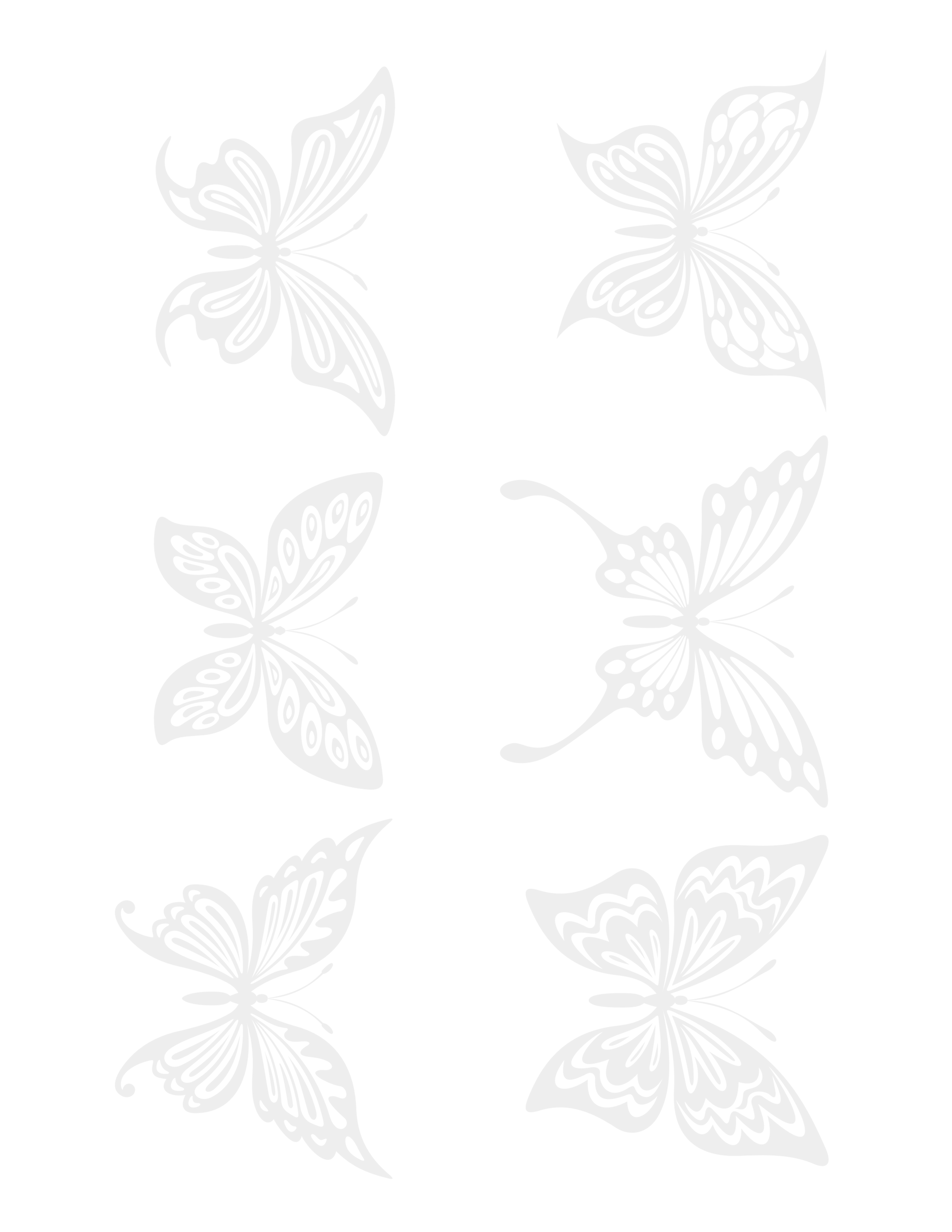
sample - free Butterfly silhouette - in pale grey
 (or add it to your faves on flickr, here)


sample LARGE free Butterfly silhouette - in black
(or add it to your faves on flickr, here)
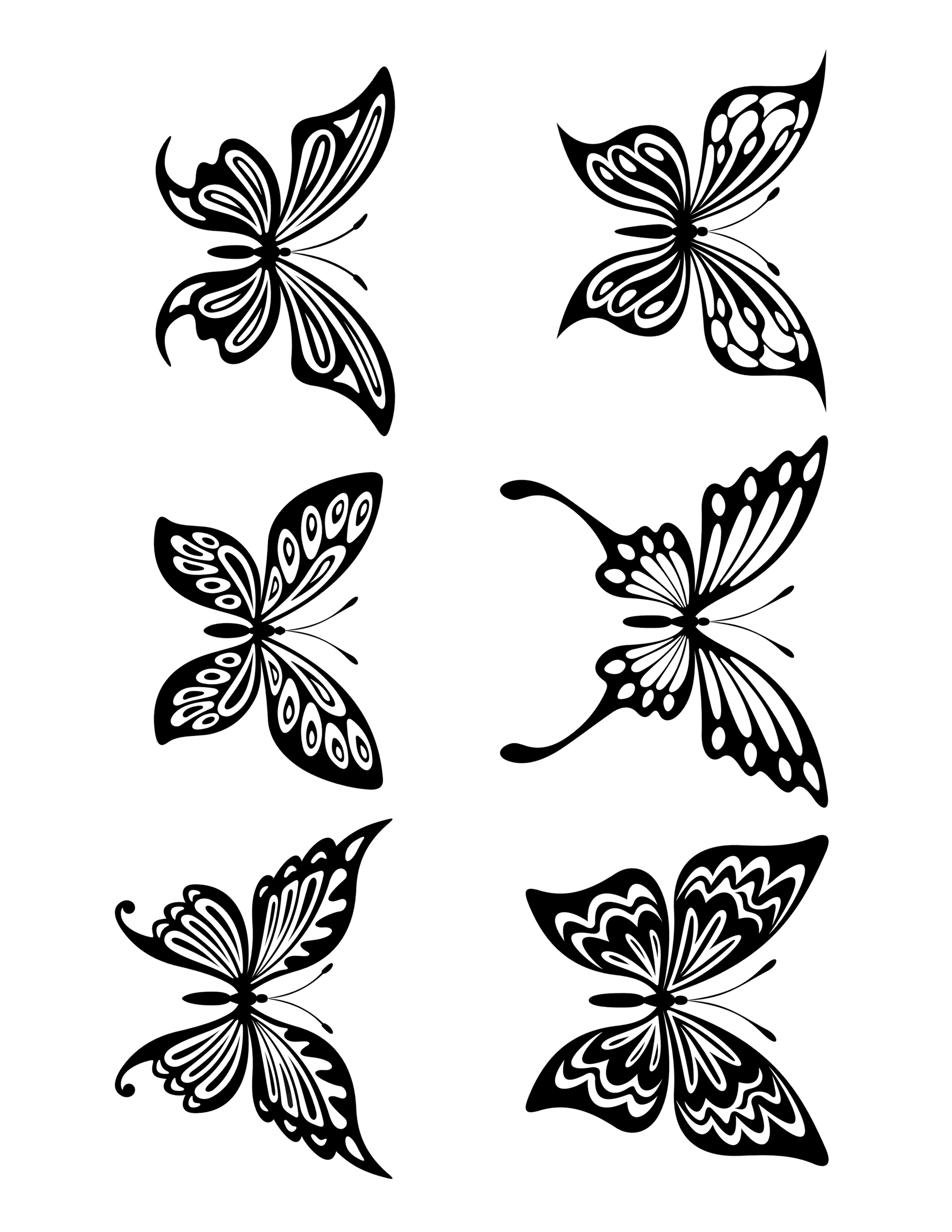
sample - Butterfly silhouettes - in medium grey
(or add it to your faves on flickr, here)


Light turquoise monochromatic Floral Vine 12.5" square paper:
37-light_turquoise_Monochromatic_floral_vine_paper_350dpi_12.5inch
(or add it to your faves on flickr, here)

SMALL butterflies (roughly 2-1/4" wide by 1-1/2" high):
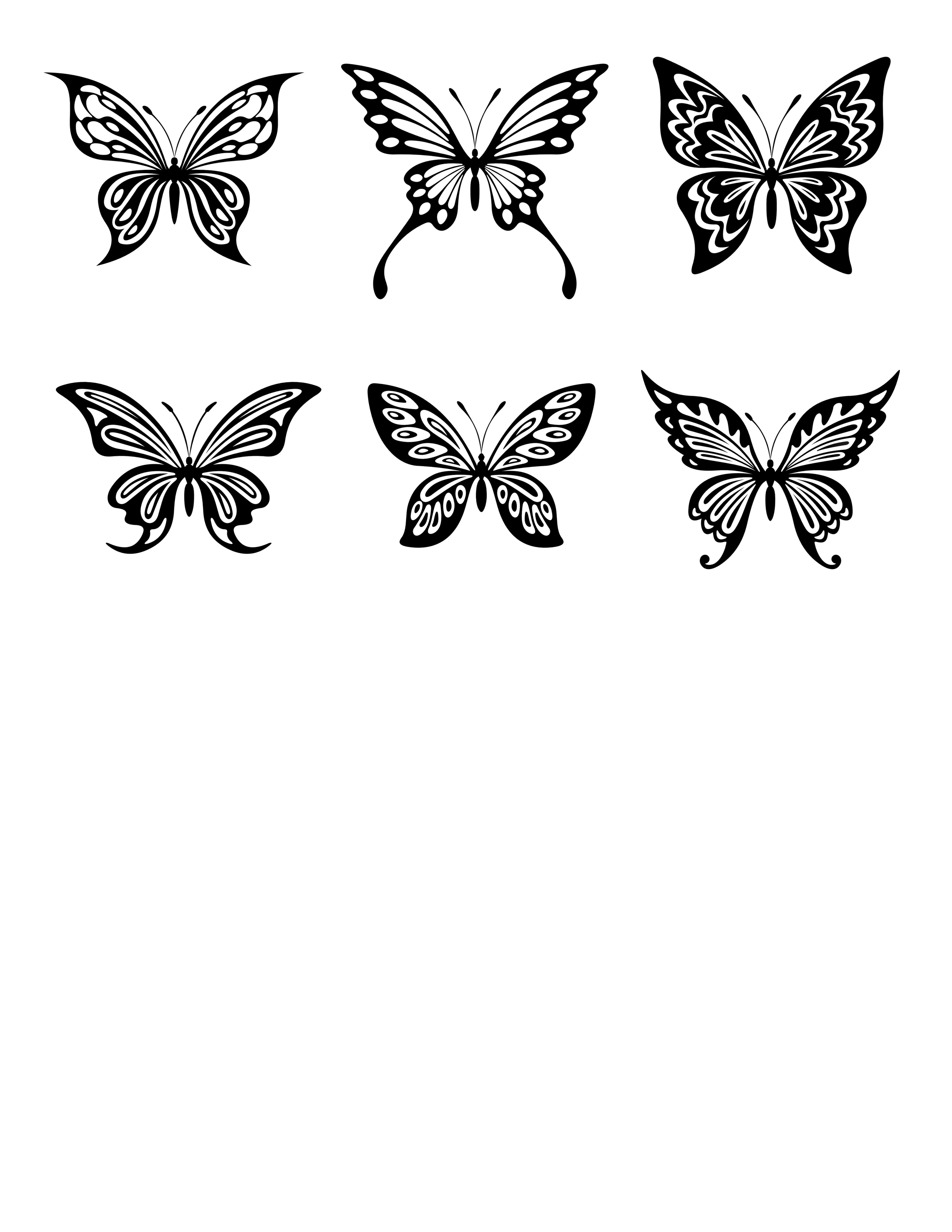
sample LARGE free Butterfly silhouette - in black
 (or add it to your faves on flickr, here)
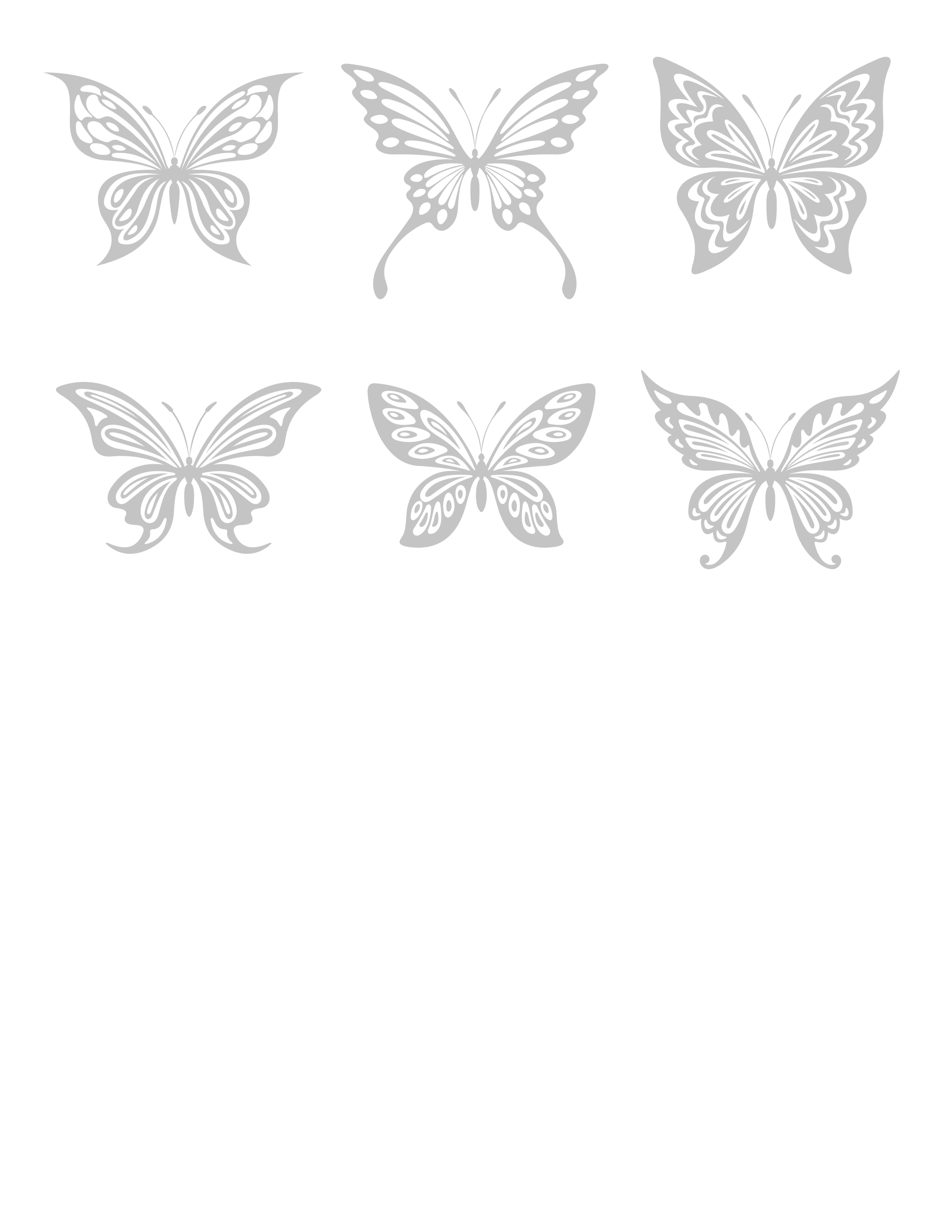
sample - Butterfly silhouettes - in medium grey
 (or add it to your faves on flickr, here)

sample - free Butterfly silhouette - in pale grey
 (or add it to your faves on flickr, here)


Coming soon...

coming soon Butterfly Silhouette Studio file

Butterfly print-and-cut files for the Silhouette Cameo.
(Doesn't it feel like magic when you print & cut? I'm crazy for it!)


Hope your & yours are safe and well, ox
Read More
Posted in | No comments

Thursday, 16 May 2013

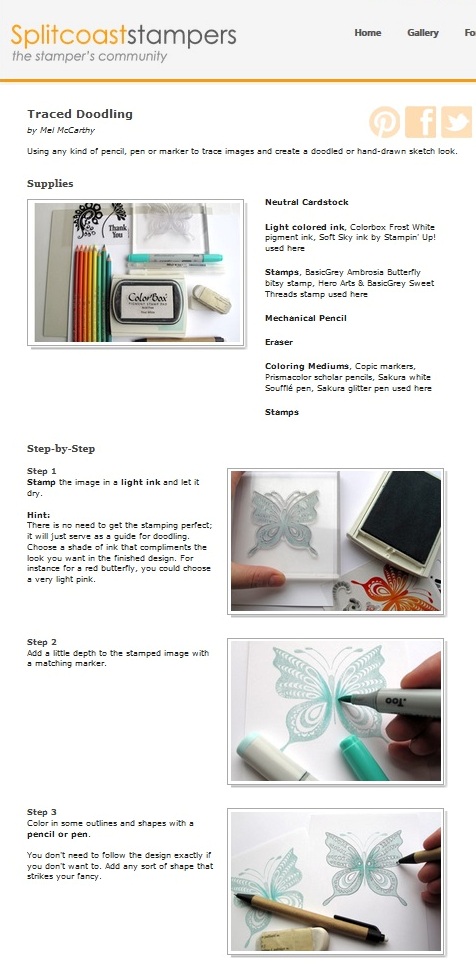
A new tutorial on Splitcoaststamers: Traced Doodling technique :O)

Posted on 10:00 by Unknown

Sorry to be missing from the blog for so long (again) I'm still working on the transition from
 'depressed computer-obsessed hermit' to 'healthier real-world social butterfly' ;o) I'm still looking for my missing 'blog voice'. I really need to learn to keep posts more simple so I can pop in more, but you know me, they always turn into sprawling missives with 100 different things!

Traced Doodle Butterfly Card

Craftwise, I haven't been doing much (the mojo is still hibernating), but I did spend some time
making a new tutorial for Splitcoaststampers. It's kind of a fun way to change up older stamps:
 the Traced Doodling technique...


Traced Doodling was inspired by Lydia's fab "no line coloring" video. Except it's completely reversed: we're adding lines to a solid stamped image and treating it like an outline image instead. 

Lydia (of Understand Blue fame) always inspires me to look at stamps in a whole new way. Lydia was inspired by Holly who was inspired by Zoe. (Don't you just love those chains of creative inspiration?)


There are all kinds of variations to this technique that I can't wait to share with you. I even made a video showing some of them. The video is sort of awful technically, but it was so exciting to finally get over the fear of making my first video. I'll be sharing it soon.

 Hero Arts 'Thank You' die - traced doodling card

Of course, you can trace anything to create the doodled look. This is a Hero Arts 'Thank You' die cut sentiment. (I always feel like the die cut sayings benefit from having something added to them to make them pop so they're easier to read) :-D 

The watercolour effect that is layered under the die cut was created using Distress Paints. To get a softer effect with them, I sprayed a piece of watercolour paper (coldpress 140lb) with plenty of water and then dabbed directly onto that with the Distress Paints (and added another spray of water to blend). If you wanted to, you could get the same effect with Distress Inks, or Stains or other inks and water and a large paintbrush.

True tracing option...


You could use do this Traced Doodling with a light table (by stamping and laying a piece of paper over the stamped image on the light table and tracing the outlines). Then you'd be left with just the clean doodled lines and no stamped ink... but I've done the technique with stamping for those who don't have a light table.


(the freebie digital papers
and tidbits used on these two cards)...


.
How to save one of these papers
(directly from my blog): 


PC users in Firefox/Chrome: right click on the image & choose "save link as"

PC users
in Explorer
:
right click on the image & choose "save target as"

.
Mac users: Visit the flickr set here, click the thumbnail for the paper that you want (to open 
its flickr page) Then select all sizes & click on "download the original size of this photo"
.


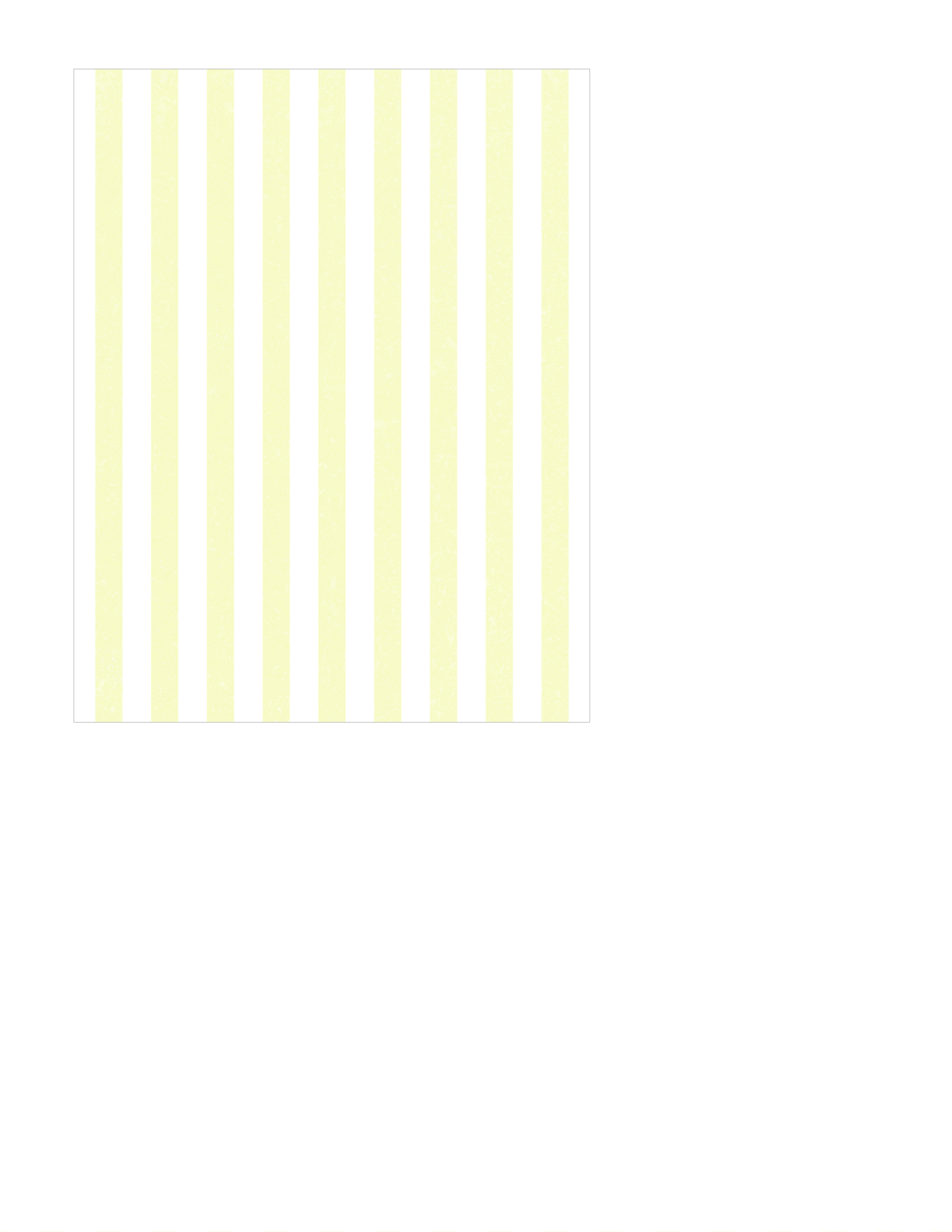
soft yellow bold stripe
 A2 card PORTRAIT
soft yellow bold stripe - A2 card PORTRAIT or VERICAL

(or add the A2 size to your 
faves on flickr her)

12.5" square soft yellow bold striped paper:

BOLD STRIPE soft yellow 2.5 inches square 350dpi.

(or add the 12.5" square size to your faves on flickr here)

(or add the sentiment to your faves on flickr here)

A2 card size Pale Grey bold diagonal stripe paper:
DOUBLE pale grey diagonal stripe bold - A2 card LANDSCAPE or HORIZONTAL
(or add the A2 card size pale grey striped paper
 to your faves on flickr here)

12.5" square Pale Grey bold diagonal stripe paper:

 pale_grey_bold_diagonal_stripes_12_and_a_half_inch_SQ_350dpi_melstampz

(or add the 12.5" square pale grey striped paper
 to your faves on flickr here)


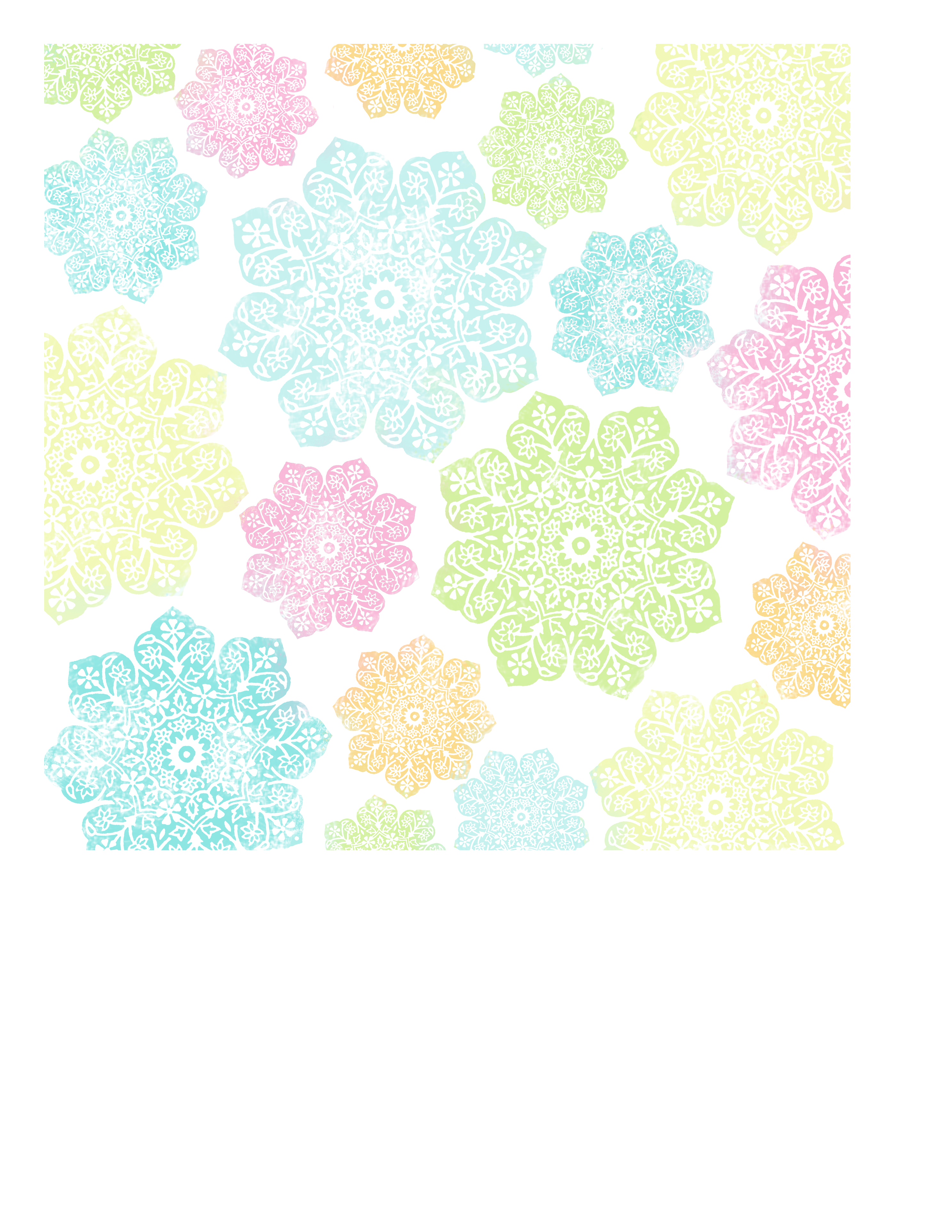
And here's the Light Batik flower paper
used to line the A2-size envelope:
batik flower paper LIGHT to fit an A2 envelope for lining
(or you can add it to your faves here on flickr)


 Hope you & yours are doing wonderfully,

P.S. I've bought a commercial license for some butterfly vector graphics to share with you since the BasicGrey Bitsy butterfly is extinct (it retired with the Amrobosia collection). I'll post them here as soon as I convert them. :-)

Read More
Posted in Digital-Images, Freebies, Tutorials | No comments

Sunday, 7 April 2013

Speediest card I ever made...

Posted on 13:15 by Unknown
Just wanted to share a quick card with you.
 The quickest I've ever made...

.

It's an ultra simple A2-sized card made with
The Cotton Rose 3x4" card Silhouette cut file
or printable freebie from my last post:

Cotton Rose 3x4 Project Life cards - mel stampz

The 3x4 card is edged in black marker...  wrapped in a little vintage seam binding ribbon bow... with a teeny saftey pin & a white SRM thank you sticker ...stuck on a bit of black cardstock & patterned paper... then it's all stuck on a Basic Grey cardstock card stamped with Hero Arts Lattice Background stamp in Colorbox Frost White ink  ... with dimensional foam tape to give the 3x4 card a little lift.


Hope you are having the best 
and loveliest of days,

Read More
Posted in | No comments

Saturday, 16 March 2013

Free 3x4" Journal/Filler cards (Silhouette cut file & other formats).

Posted on 18:30 by Unknown

 Thanks for your patience & help!

 Edited to add: Oops the .studio file was too large to work.  I was rescued by two of the Angels at the Silhouette Plus Forum! Thank You, Gayle & Kay. The crafting community has such incredible people. (Who are so clever!) So now the print and cut file is replaced & the zip file and the .studio file should work perfectly. Plus I've learned a thing or two (or three). :-)


Not sure how the days scurry away from me on this ol' blog, but I do know Spring is the time of year that I start cleaning out cupboards, working in the community veggie garden, getting more serious about my health, and so on and so forth... How about you - are you feeling Spring-y?

Today, I'm sharing my very first print & cut file for the Silhouette Cameo
 (and the first of what I hope will be many many Silhouette & Project Life style freebies)


Sorry, there's a lot of housekeeping (or blah blah blah) in this post, 
but I wanted to make sure that the new file hosting works for everyone.


-1-
(Easy & speedy downloading from Google Docs)
 
Using Google Drive & Docs is a handy tool for file sharing,
 but it is brand new to me, so I hope it works well for you.


Step 1) Click on the image or link for the file you want.
Step 2) Click on "Download" (You may see a virus scan warning - which is only there because these files are so large)
Step 3) Select 'Download anyway' 


If you prefer, you can choose to download
 the zip file linked below instead & scan it before you unzip.

 Zip Files: 

Files of this size cannot be scanned by Google Docs' built-in virus scanner, so if you prefer to be extra cautious you can download the zip file (with all 4 file types) here and then scan it with your own virus software before unzipping it. (You should be able to do this by right clicking on the zip file, once it is saved to your computer, and selecting 'scan...').

-2-
 
 (3x4 journal/filler card freebies)

Click on the image or the link
 to go download the file type of your choice from Google Docs


These journal cards worked well in the Silhouette Studio Designer software for me, so I hope they work for you! (Using print & cut for the very first time was a massive thrill!)

  .studio (Print & Cut file for Silhouette machines):
 

This .studio cut file has a printer's bleed so you won't end up with any white space on the cards when they cut. (It's my first 'print & cut file' so please let me know if you have any suggestions for how I can improve future Silhouette files).


The maximum number of cards I can fit on the silhouette .studio files is 4, because there needs to be room for the registration marks (so that the print & cut can work its magic). The PDF and other file formats have an extra card in there, because how could I waste that space, right?


The files also worked quite well, size-wise, when printing from a PDF in Adobe Reader... (Please let me know if I can help you get them working perfectly from your own computer.) :-) 


PDF (best file for correctly-sized printing):

PNG (best file for altering without quality loss):
 

JPEG:


 If you prefer to use Flickr, 
you can find the PNG of these cards, here.

-3-
(New, more flexible, guidelines for use)

Please link, if you can, so I can see your creations. :-)

Please feel free to use my digital patterns to create any handmade items for sale.
It is also okay to use them for most commercial digital items (like scrapbook for hire or invitations).

But please do not... use my work as-is, and please don't use it
 to create digital papers/digital kits - unless they are shared for free. :-)

A Little Note:
Sometimes I create patterns based on the work of artists who allow such use,
(Karen The Graphics Fairy; Marisa Lerin at Pixel Scrapper; and various Font Artists). 
When this is the case I have credited them. Please link them when you can.


-4-
 
Tips for printing these cards at the right size

To get the right sized card printing out, I would suggest sticking with the PDF file if you can. This quick and easy method worked very well for me:


Using Adobe Reader, select the print icon, and under the "Size Options" section, choose "Actual size" then hit print.

On printers & sizes: I use an HP Officejet 7500 E910 wide format printer, which I really like because it is an affordable way to print 12x12 patterned papers. Of course all printers are different so you may find that you need to make a test print or two to get the right size for your particular album pages.


-5-
 
Videos & links you might find useful:

How to use print & cut in Silhouette Studio software
(a video tutorial by Lindsey for Silhouette America Inc.)

How to design your own Silhouette print & cut files
(a video tutorial by Linda Kaiser for The Paper Boutique).
Her excellent discussion of "printer's bleed starts around 3:20 minutes in the video.

To download PDF files: Adobe Acrobat Reader is available here (as a free program).
How to download & install Adobe Reader (a video tutorial).


Hope you can have 
some fun with these,


P.S. If you have any requests for card sizes, let me know. I'll see what I can do! :-)
Read More
Posted in cut-file, Digital-Images, Freebies, silhouette | No comments
Newer Posts Older Posts Home
Subscribe to: Posts (Atom)

Popular Posts

  • free Butterfly Silhouette .studio cut files (in 3 styles)
    Hi, All! Here are those butterfly Silhouette .studio cut files. They are for only for the Silhouette machine... But I do hope to share other...
  • Flying by to say ... 'hello'
    Do you shop for stamps often? I don't have a huge crafting budget, but every once in a while I find some images that call out "you ...
  • a Silhouette Challenge project
    This might look like a card in the photo, but...   ... it's actually a collage on a wooden canvas  to hang on the wall (or give as a gif...
  • Silhouette Cameo - Sketch pen Camera card
    Happy Happy Independence Day, to my American Friends! (and happy belated Canada Day to my fellow Canadians!) So, have those of you with Silh...
  • over 100 free pattern overlays ... at a glance
    Would you believe that the free overlay total is at 139 overlays and counting? (I might have a wee little addiction) ;-) Since overlays can ...
  • Graphics Fairy Inspiration (+vintage printables)
    Thank You all so much for your wonderful comments about the papers I've been obsessed with. Your kind words make me grin so big that I g...
  • "Honey, I shrunk the stationery!" (Hero Arts typewriter notebook)
    Still trying to make more of my cards into little gifts. This Hero Arts typewriter card is another take on the card turned refillable notebo...
  • New Popcorn Box template set (pretty stamp room storage) :o)
    Are you in the mood for a template or two? I was going to wait until I had really good photos and a full pictorial, but then I would take fo...
  • Circle Overlays (to revamp your papers!)
    Can you ever have too many ways to use your stash? No card today, just popping in with a cheap trick for revamping your "old" pat...
  • Everything I've Ever Made (at a glance)
    This post is a visual overview of my blog history-- with thumbnails that are linked to tutorials & templates for pretty much everything ...

Categories

  • 'Mouse'-the-cat (10)
  • *TEMPLATEs (98)
  • 3D-projects (144)
  • A-Day-For-Daisies (7)
  • Amber Ink (9)
  • Angel's-Landing (2)
  • BASICS (47)
  • Blogging-tips (7)
  • Caardvarks (48)
  • Cat's-Pajamas (2)
  • cheap-tricks (224)
  • Christmas (33)
  • Claire-Keay (2)
  • Cricut (3)
  • cut-file (2)
  • Cuttlebug (45)
  • decor (6)
  • Digital-Images (131)
  • Distress-Inks-etc (14)
  • DIYstamps (1)
  • Eat-Cake-Graphics (11)
  • Faves (207)
  • Fred-She-Said (5)
  • Freebies (77)
  • GESSO (9)
  • Halloween (10)
  • Heather Ellis (3)
  • Hero-Arts (14)
  • ISC (7)
  • Jessica-Sprague (2)
  • Just-Rite (2)
  • LPS (63)
  • Mo's-Digital-Pencil (16)
  • My-Favorite-Things (33)
  • organizing (7)
  • Other-People's-Tutorials (36)
  • Paper-Garden-Projects (54)
  • Paper-Temptress (39)
  • Punches (21)
  • Purple-Onion-Designs (23)
  • S.U. (1)
  • SCOR-PAL (4)
  • silhouette (4)
  • Skipping-Stones-Design (7)
  • Squigglefly (6)
  • SRM-Stickers (8)
  • techniques (191)
  • templates (26)
  • Tiffany-Doodles (4)
  • Tutorials (252)

Blog Archive

  • ▼  2013 (16)
    • ▼  July (4)
      • A Triple-stamped Fancy-cut Flower card
      • Flying by to say ... 'hello'
      • a Silhouette Challenge project
      • Silhouette Cameo - Sketch pen Camera card
    • ►  June (4)
    • ►  May (3)
    • ►  April (1)
    • ►  March (1)
    • ►  February (3)
  • ►  2012 (53)
    • ►  December (2)
    • ►  November (2)
    • ►  October (1)
    • ►  August (3)
    • ►  July (2)
    • ►  June (5)
    • ►  May (7)
    • ►  April (8)
    • ►  March (9)
    • ►  February (13)
    • ►  January (1)
  • ►  2011 (74)
    • ►  December (1)
    • ►  November (5)
    • ►  October (10)
    • ►  September (9)
    • ►  August (12)
    • ►  July (5)
    • ►  June (9)
    • ►  May (2)
    • ►  April (6)
    • ►  March (7)
    • ►  February (4)
    • ►  January (4)
  • ►  2010 (84)
    • ►  December (7)
    • ►  October (1)
    • ►  September (6)
    • ►  August (1)
    • ►  June (1)
    • ►  May (7)
    • ►  April (21)
    • ►  March (3)
    • ►  February (17)
    • ►  January (20)
  • ►  2009 (234)
    • ►  December (16)
    • ►  November (21)
    • ►  October (11)
    • ►  September (23)
    • ►  August (29)
    • ►  July (26)
    • ►  June (10)
    • ►  May (16)
    • ►  April (26)
    • ►  March (22)
    • ►  February (27)
    • ►  January (7)
  • ►  2008 (39)
    • ►  December (14)
    • ►  November (25)
Powered by Blogger.

About Me

Unknown
View my complete profile